Music visualizer and sequencer.
K Machine
A live-oriented audiovisual instrument: an audio sample sequencer and a vertex shader sequencer in one app.
K Machine is a live audiovisual instrument for creating dynamic animations that react to sound and touch. Designed for musicians, VJs, shader enthusiasts and animation lovers, it combines an audio sample sequencer with an original vertex shader sequencer and an automatic transition interpolation engine.
One instrument, three ways to play
VJing tool. Feed K Machine from the microphone or any Audiobus-compatible app and perform with responsive visuals.
Sound creation tool. Start from the empty shader and focus entirely on the audio sequencer.
Complete audiovisual instrument. Sequence sound and visuals together, then shape transitions and shader parameters live.
Bring your own sounds and visuals
Audio. Import 16-bit, 44.1 kHz WAV and AIFF samples through iTunes File Sharing, AudioShare, Audiopaste or the Open in… menu.
Visuals. Use more than 30 bundled vertex shaders and four commented examples, or import your own code from an external editor. The format remains compatible with vertexshaderart.com, and one line of code can expose up to eight live parameter controls.
A flexible sequencer
Every loop can have its own BPM and number of beats. Events can be divided into 1/3, 1/5, 1/7 or 1/11, making polyrhythmic and evolving structures straightforward to build.
Built for live performance
Capture instantly. Record the current session from inside the app; the finished video is saved to the photo library and is ready to share.
Use a second screen. Connect an HDMI or VGA adapter to send only the visual output to a projector while keeping the interface on the device.
One purchase, two form factors. K Machine is a universal app for both iPhone and iPad.
Connected workflow
Ableton Link keeps tempo in sync. Audiobus 3.0.3 and Audiobus Remote connect K Machine to other music apps and devices, while AudioShare, Audiopaste and Audiostore support sample import and editing workflows.
Availability and compatibility
K Machine is available on the App Store for $8.99. Version 2.77 requires iOS 9.3 or later on iPhone, iPad or iPod touch. The App Store also lists Apple M1 Macs running macOS 11.0 or later, while noting that the app has not been verified for macOS. It is rated 4+, is available in English and supports Family Sharing.
Privacy. The App Store privacy declaration states that K Machine does not collect data. The app is developed and sold by Dominique Baillot.
Performance note. K Machine reaches its full potential on OpenGL ES 3-capable devices; consult the documentation to confirm device compatibility.
Screenshots
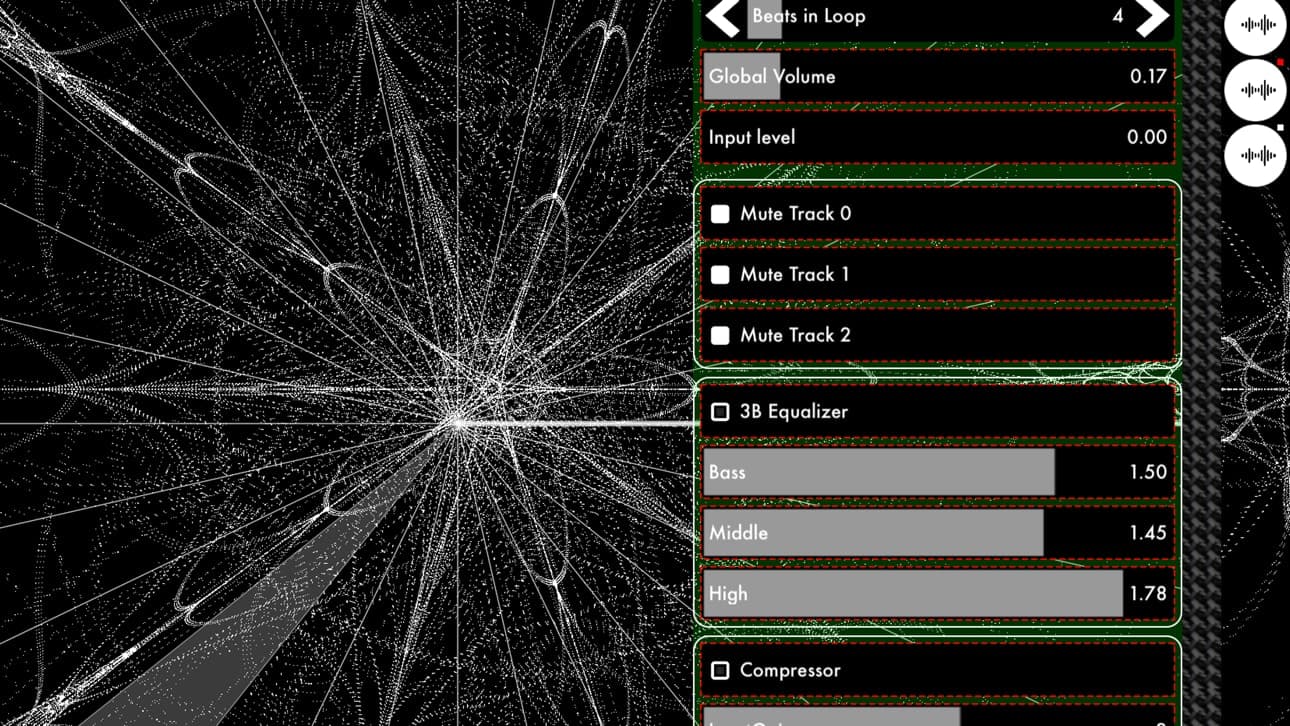
Audio mixer, equalizer and effects over the live visual engine. 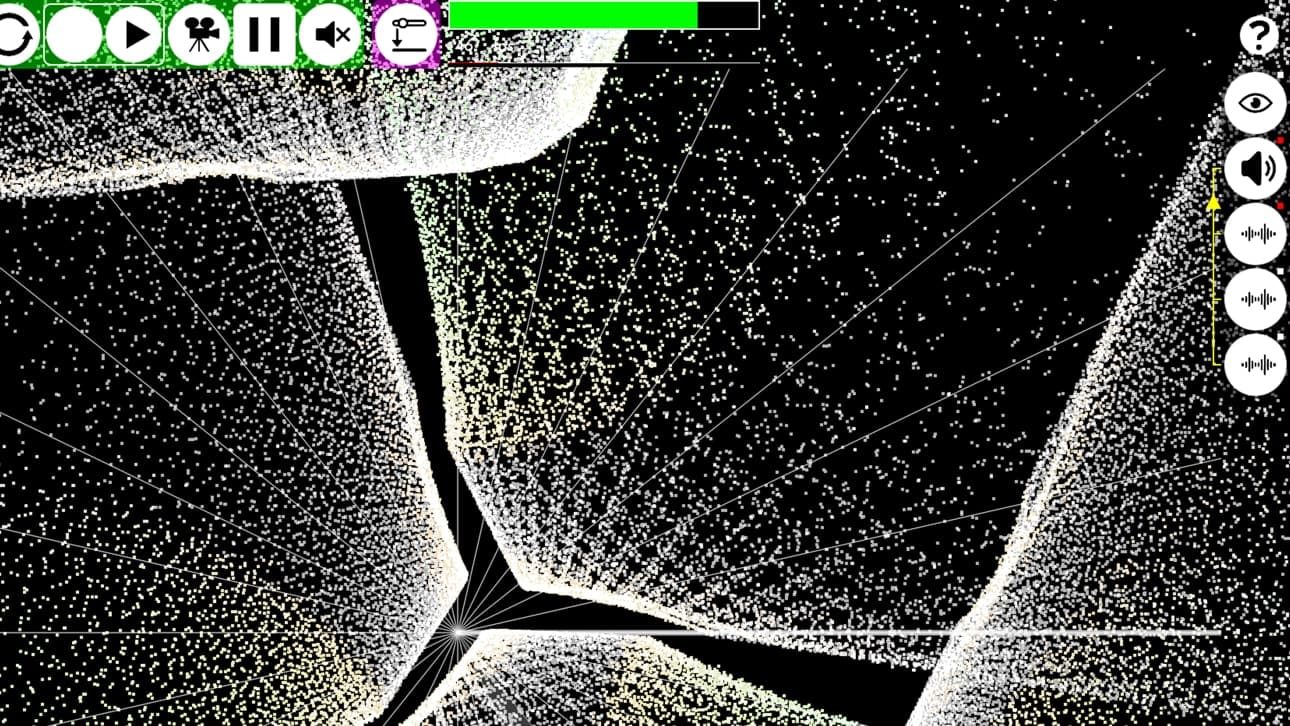
Full-screen audiovisual performance view. 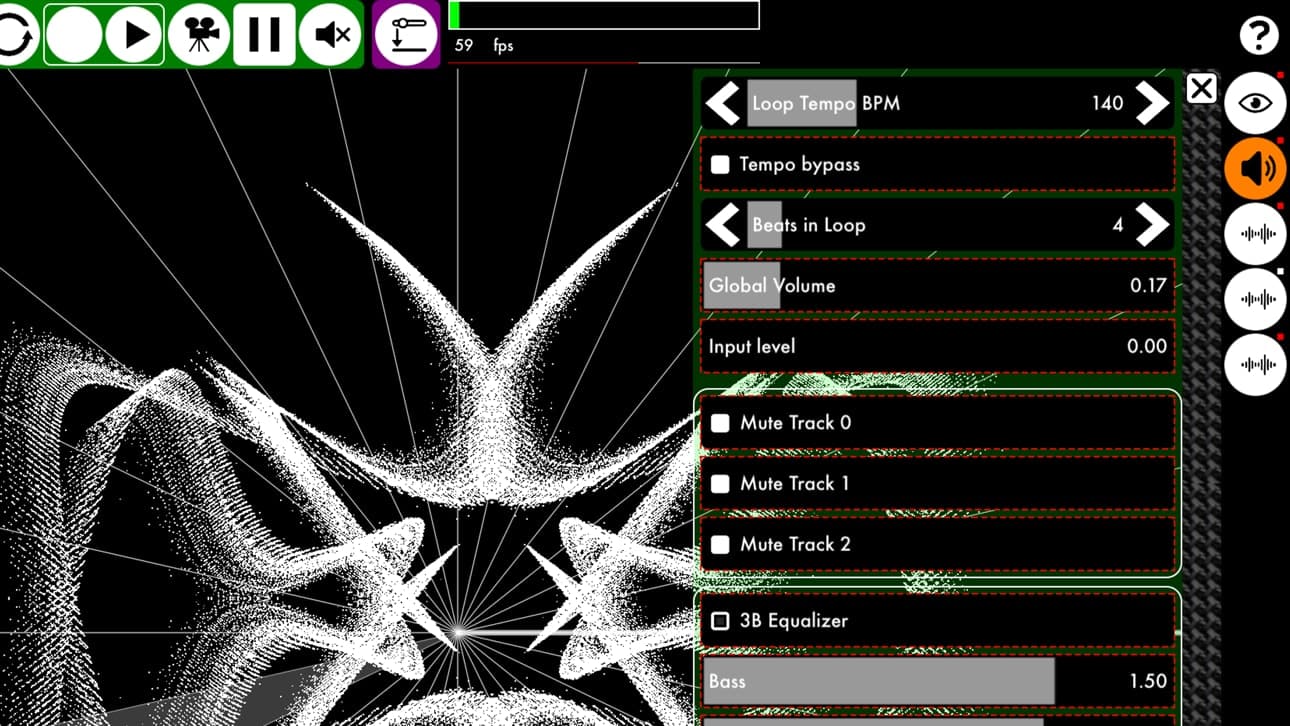
Per-loop tempo, beats and audio-track controls. 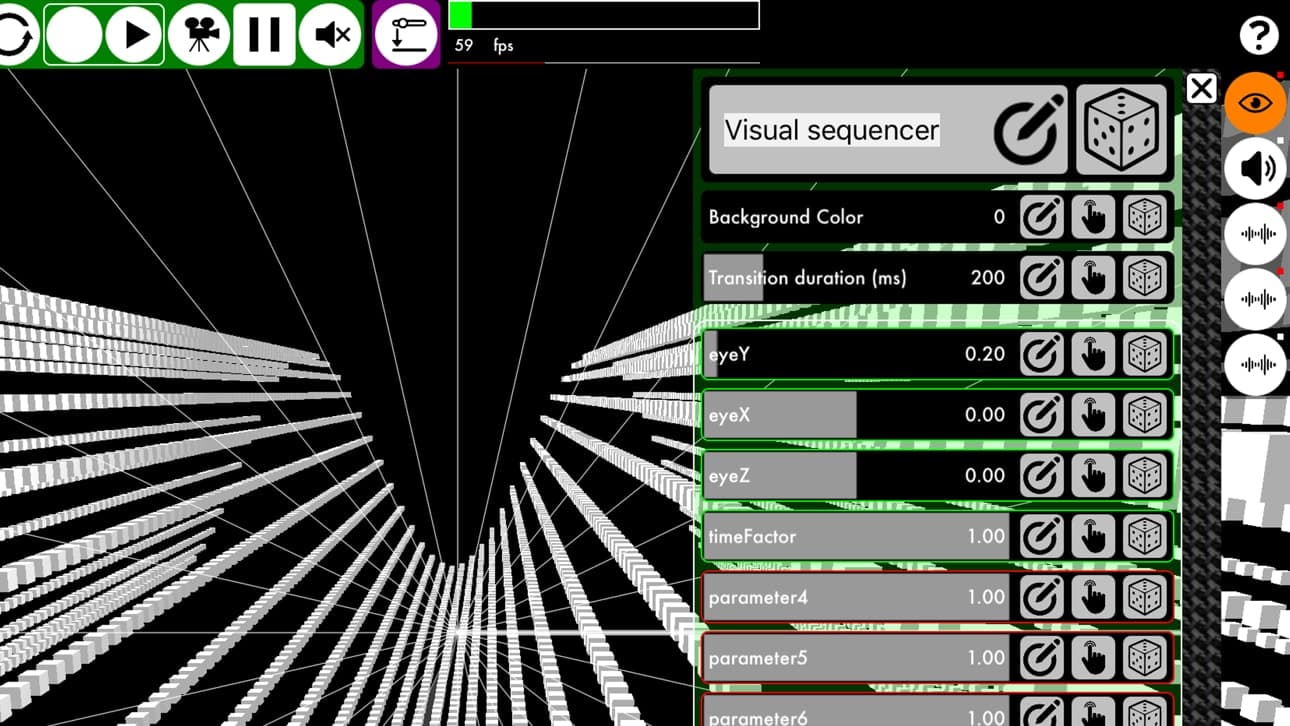
Visual sequencer with live shader parameters and transition control. 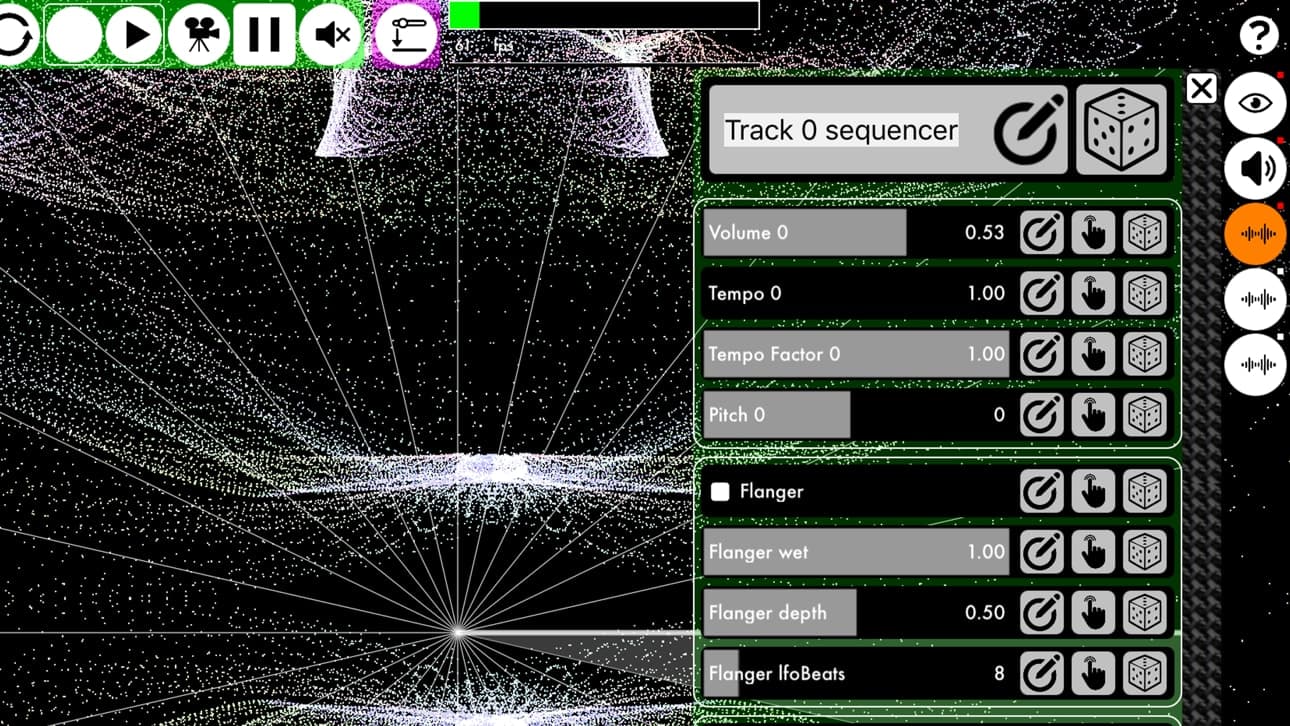
Audio-track sequencer with tempo, pitch and effect automation. 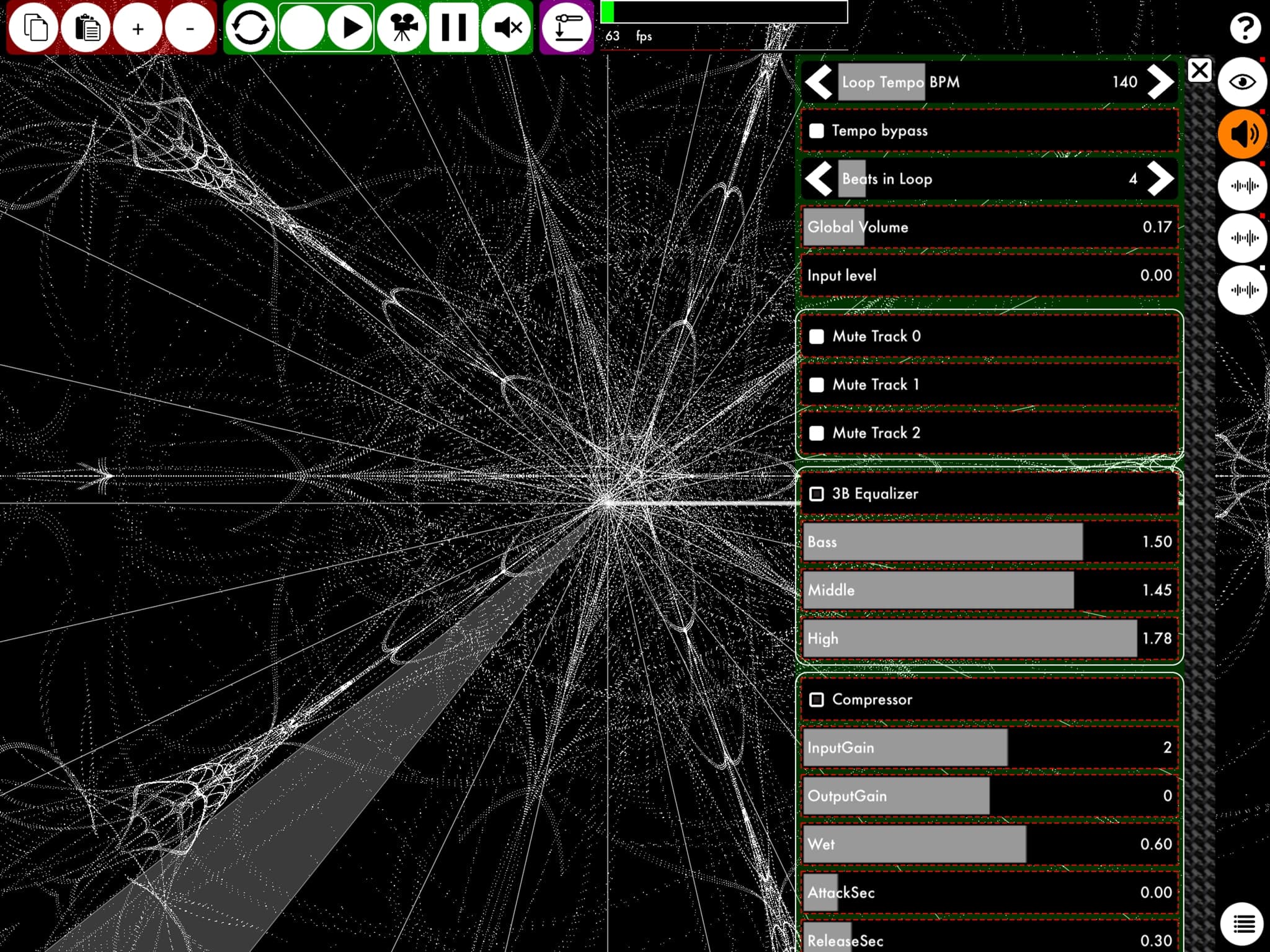
Expanded iPad workspace for mixing audio and visuals. 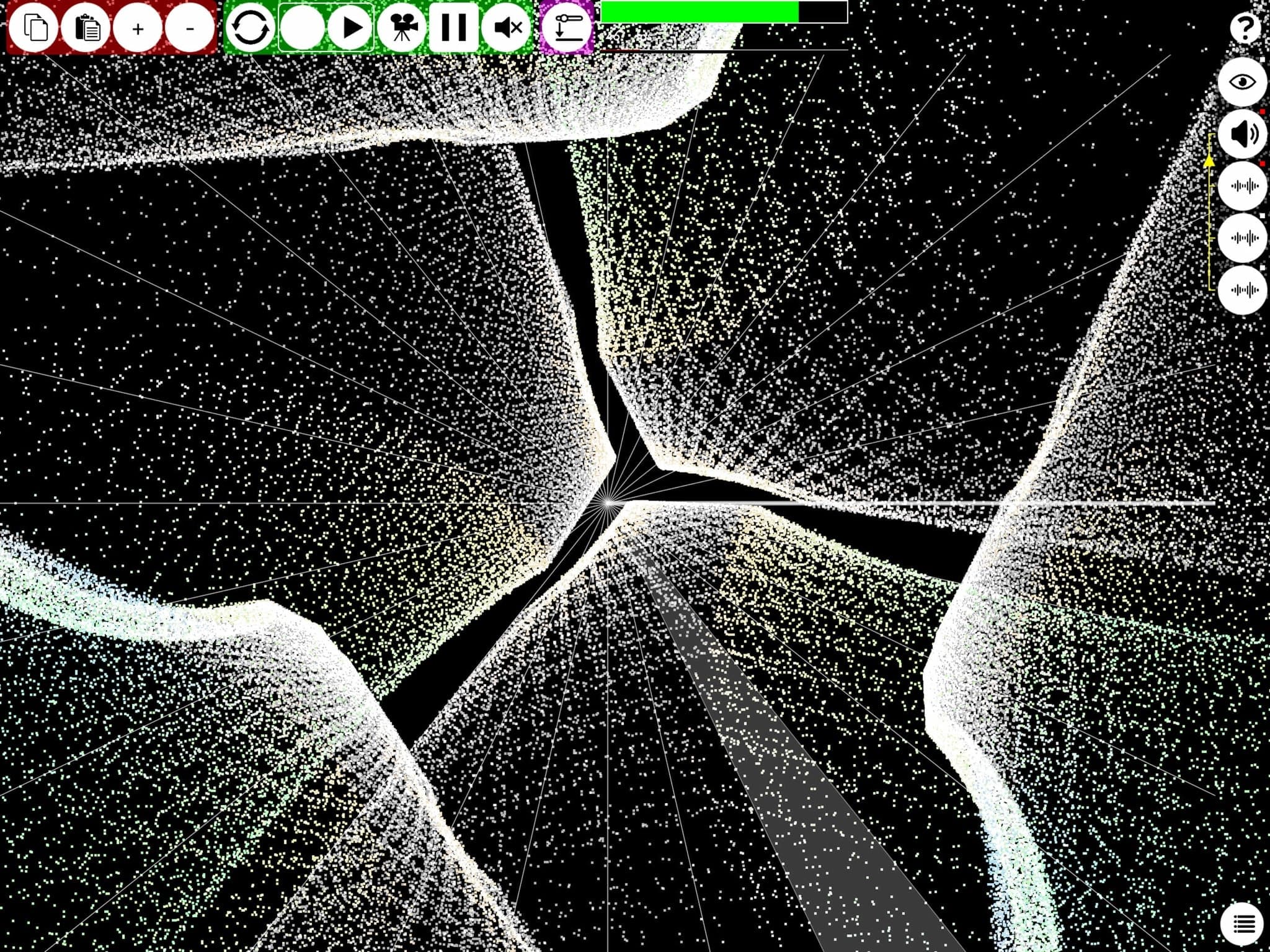
Full-screen shader performance on iPad. 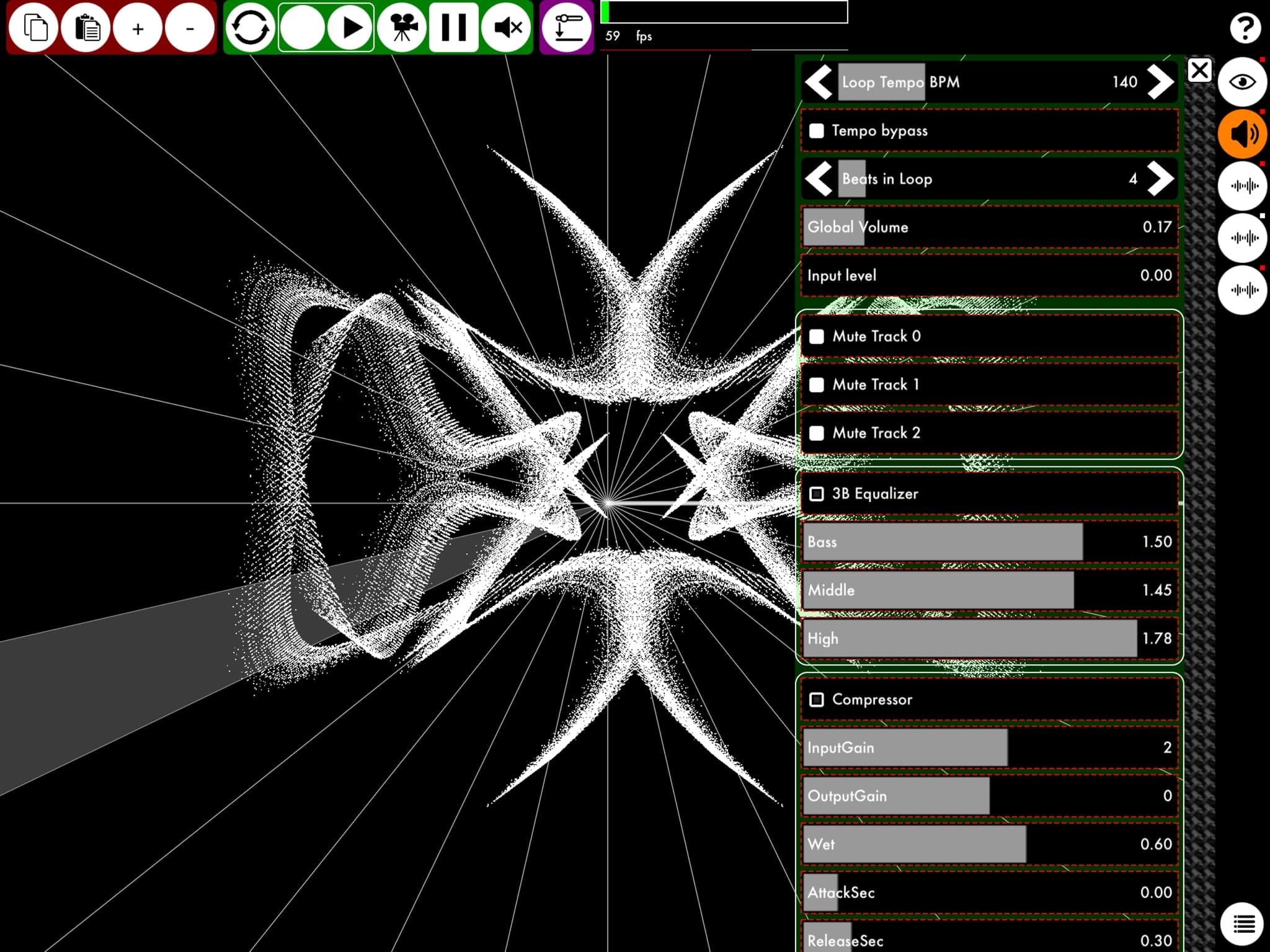
Loop timing and audio processing beside the live visual output. 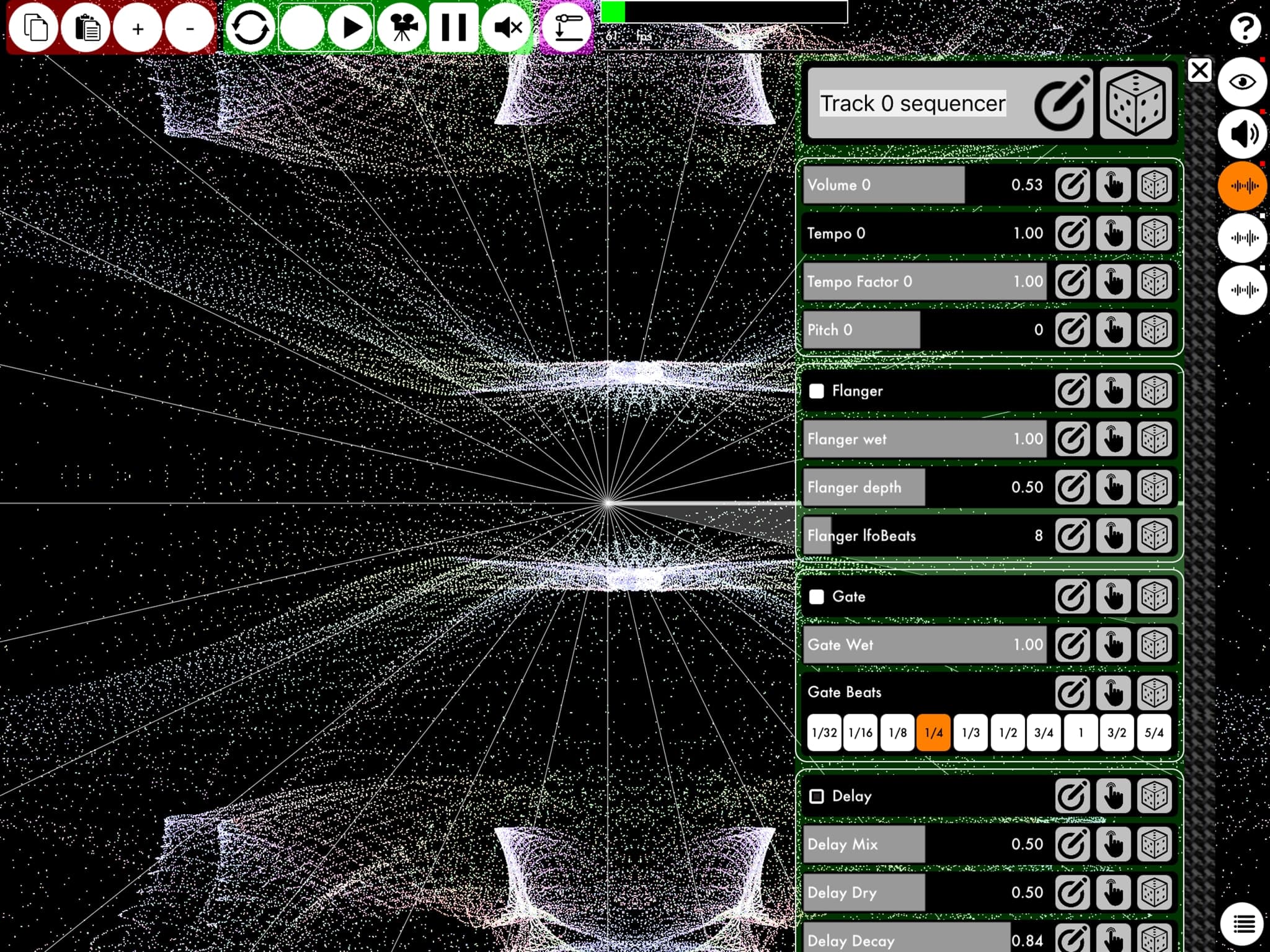
Track sequencing and effect automation. 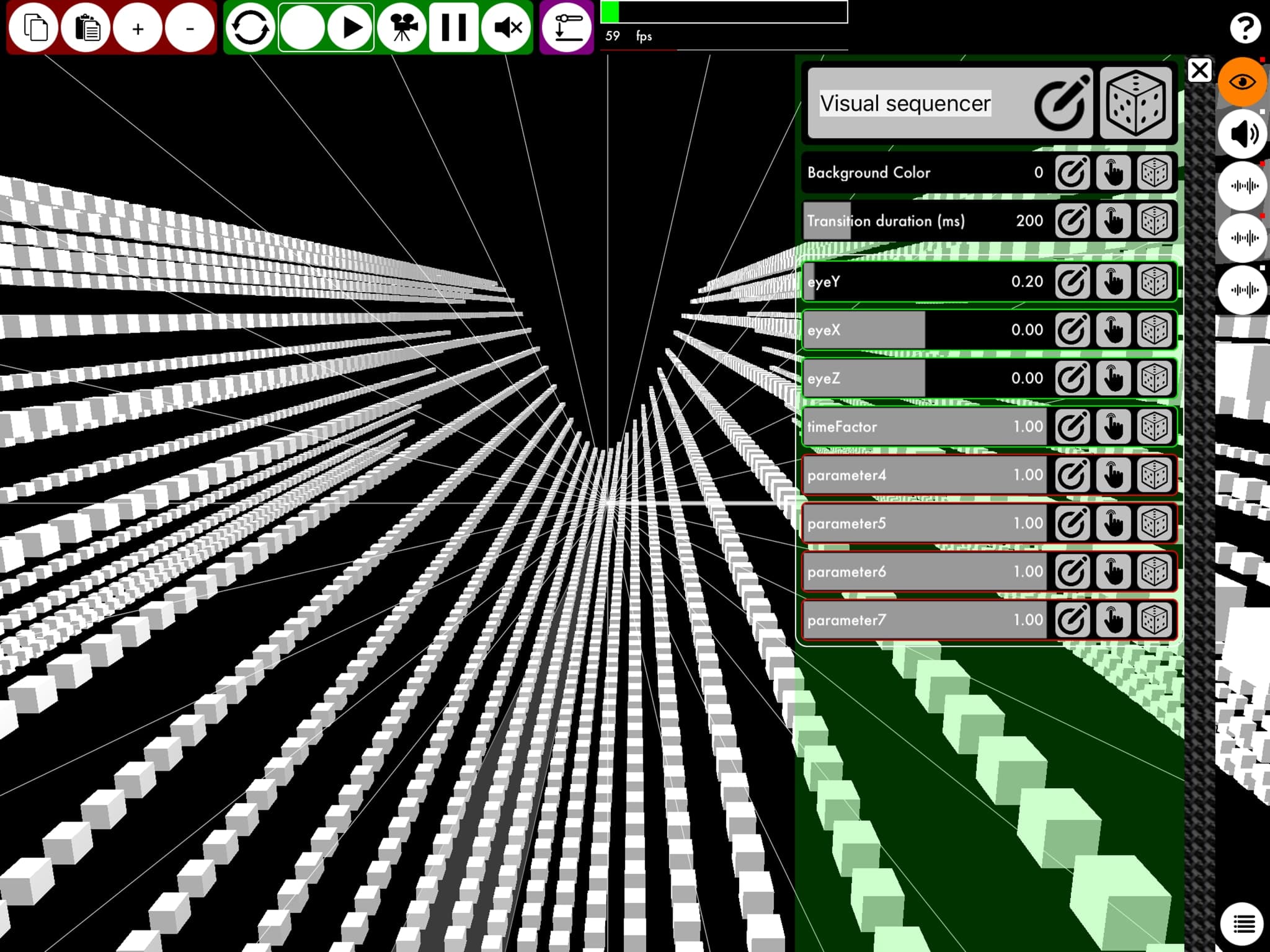
Live visual sequencing and exposed shader parameters.
Releases
Releases of K Machine
- 01
K Machine
K Machine 2.77
Minor corrections to domain links and documentation.
- 02
K Machine
K Machine 2.76
Corrected display problems on iPhone X and fixed minor bugs.
- 03
K Machine
K Machine 2.75
Minor fixes and framework changes required by App Store validation rules.
- 04
K Machine
K Machine 2.74
Updated Everyplay and Audiobus, fixed a low-memory file-opening crash, expanded documentation and improved the post-recording workflow.
- 05
K Machine
K Machine 2.73
Fixed iOS 11 second-screen resolution, low-memory soundBuffer crashes, Audiobus Remote icons and Photo Library permissions.
- 06
K Machine
K Machine 2.72
Fixed Everyplay video sharing, first-login panel behaviour and social links on iPhone, while retaining the major additions introduced after 2.62.
- 07
K Machine
K Machine 2.71
Major Audiobus, audio-effects, GLSL and performance update with 25 new shaders, advanced transitions and up to 1,048,576 vertices.
- 08
K Machine
K Machine 2.62
Fixed the AudioShare issue introduced in 2.61 while retaining all 2.61 features.
- 09
K Machine
K Machine 2.61
Added Ableton Link, ZIP project exchange, broader Open in support, shader import through AudioShare and major sequencing improvements.
- 10
K Machine
K Machine 2.04
Added animation start/stop, AudioPaste, precise loop editing and transition controls, with extensive stability and performance fixes.
- 11
K Machine
K Machine 2.01
Fixed touch mapping, Help, special-character paths and the three-band equalizer, and added three GLSL shaders.
- 12
K Machine
K Machine 2.0
Complete redesign with sample and GLSL import, unlimited loops, project files, parameter sequencing, touch mapping and second-screen output.
- 13
K Machine
K Machine 1.0.1
Minor bug fixes and an early preview of the audio and visual controls planned for K Machine 2.
- 14
K Machine
K Machine 1.0
First public release of K Machine.